Buying Guides
Submitted by on Thu, 08/27/2026 - 21:22Buying Guides | Choosing the Right Thinkputer AI Server
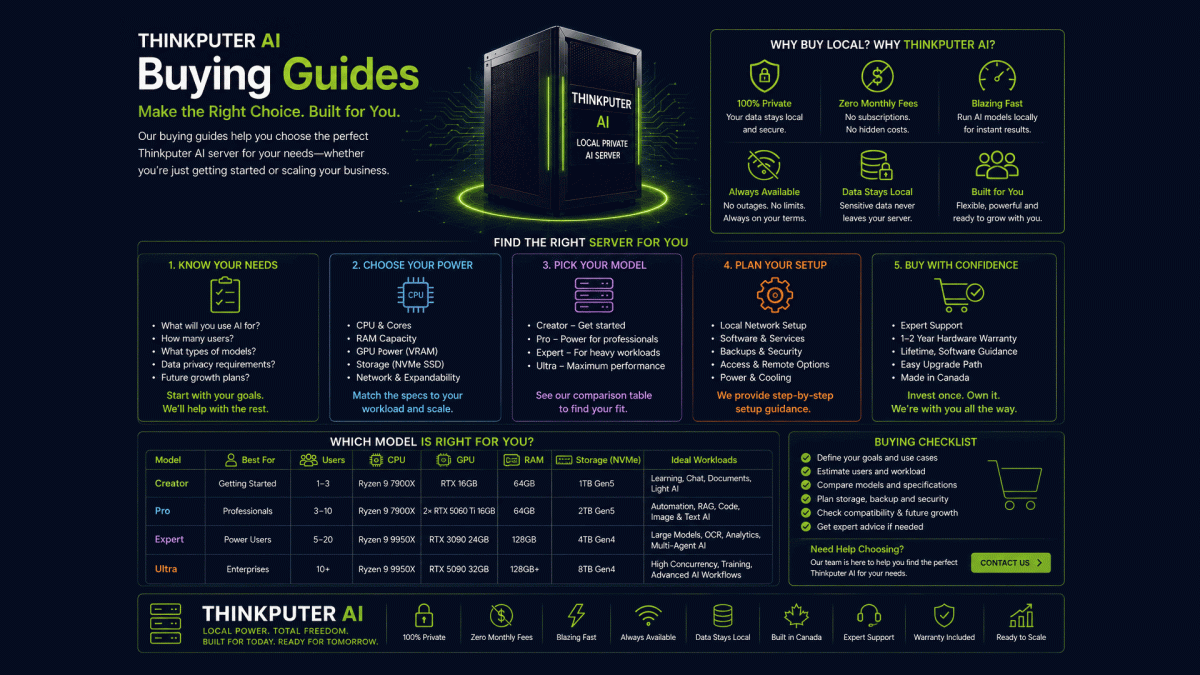
Choosing an AI server is different from buying a regular computer. The right system depends on the AI models, workload, number of users, documents, automation, privacy requirements and expected future growth of your organization.
Our Buying Guides help you understand Local AI Servers, compare Thinkputer models and choose a system based on what you actually need—not simply the most expensive hardware.
Before Buying an AI Server
Start with the work you want AI to perform. A small office using AI for writing, document search and occasional automation has very different requirements from an organization processing thousands of documents or running several AI workflows simultaneously.
| Consider | Ask Yourself | Why It Matters |
|---|---|---|
| AI Workload | What do I want AI to do? | Determines the type and size of AI models required |
| Number of Users | How many people may use AI at the same time? | More simultaneous users require greater capacity |
| Documents | Will we process PDFs, scans, invoices or reports? | OCR and Document AI add processing requirements |
| Automation | Will AI run automated workflows? | Continuous workflows may require more resources |
| Privacy | Should sensitive information stay local? | May make a Local Private Server more appropriate |
| Growth | Will our AI usage increase? | Expansion should be considered before purchasing |
Cloud, VPS or Local Private Server?
Before choosing hardware, decide where your AI should operate. Cloud AI offers convenience, a VPS provides greater software control on remote infrastructure, while a Local Private Server (LPS) places the physical AI computing inside your own environment.
An LPS can be especially useful when privacy, local performance, offline capability, predictable heavy usage or direct control of infrastructure are important. Some businesses may also benefit from a hybrid approach combining local and cloud AI.
Understanding AI Server Hardware
You do not need to become a hardware expert, but understanding the main components helps you compare AI servers correctly.
| Component | Why It Matters for AI |
|---|---|
| GPU | One of the most important components for running AI models. GPU performance and memory affect model capability and processing speed. |
| VRAM | GPU memory helps determine which models can run and how much AI processing can be handled efficiently. |
| CPU | Supports applications, automation, databases, document processing and other server workloads. |
| RAM | Supports AI models, databases, applications and multiple services operating together. |
| NVMe Storage | Stores AI models, databases, documents and applications while providing fast access to data. |
| Power & Cooling | AI hardware can operate under sustained workloads, making proper power capacity and cooling important. |
Which Thinkputer Should I Buy?
Thinkputer systems are available at different performance levels. Choose according to your workload and expected growth rather than specifications alone.
| Model | Best Starting Point For | Typical Requirement |
|---|---|---|
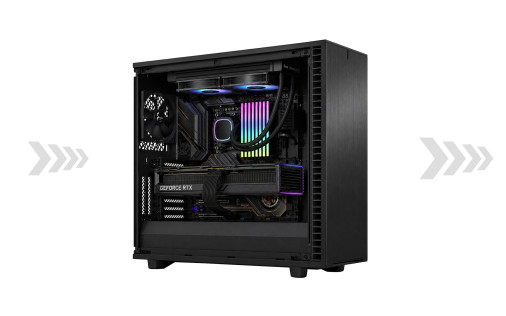
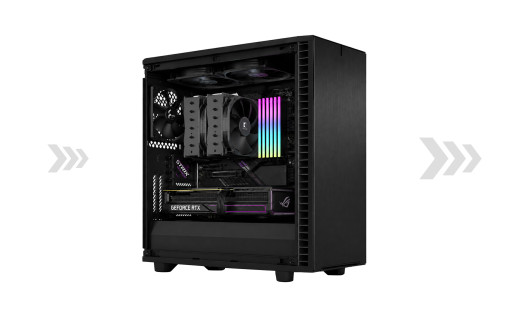
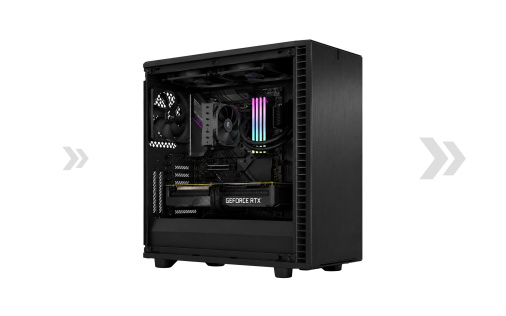
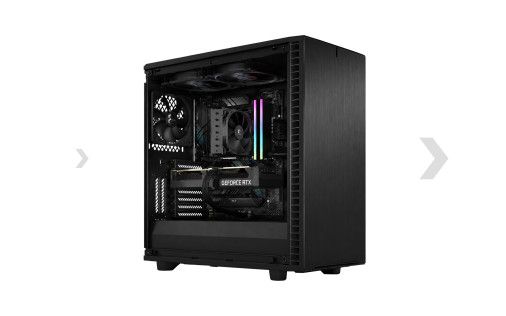
| Thinkputer 10 Creator | Individuals & Small Offices | Local Generative AI, document work, knowledge search and lighter automation |
| Thinkputer 20 Pro | Businesses | Higher AI usage, multiple workflows and greater processing capacity |
| Thinkputer 30 Expert | Corporate & Professional Workloads | Larger models, heavier Document AI and demanding business workflows |
| Thinkputer 40 Ultra | Organizations & Heavy AI Users | Advanced models, high-volume processing and demanding AI workloads |
Buy Based on Your AI Workload
Generative AI — Writing, summarizing, answering questions, analyzing information and generating business content.
Document AI — OCR, document understanding, information extraction, document search and private knowledge bases.
Agentic AI — AI agents, automated decisions and multi-step workflows connecting AI with files, databases and business applications.
Purchase Price Is Not the Only Cost
When comparing Cloud AI with a Local AI Server, consider the total cost over time. Cloud services may include subscriptions, API charges and usage-based pricing, while local AI requires an initial hardware investment plus electricity, maintenance and support.
For organizations with sustained AI workloads, owning the computing infrastructure can reduce dependence on recurring per-token and per-request charges for supported local processing.
Do Not Buy More AI Server Than You Need
The most powerful server is not automatically the best choice. A properly sized Thinkputer can provide better value while leaving room for future expansion. Consider today's workload, expected growth and whether components such as RAM, storage or GPU capacity may need to increase later.
AI Server Buying Questions
It depends primarily on the AI models and workloads you intend to run. Larger models and heavier workloads generally benefit from greater GPU memory. Choose the server around the applications you actually plan to use.
Both. Avoid unnecessarily expensive hardware, but consider expected increases in AI usage, simultaneous users, model sizes, document volume and automation before selecting your system.
No. Private AI does not automatically require the highest-performance server. The appropriate Thinkputer depends on the models, applications, workload and number of users you need to support.
Yes. Thinkputer can run supported AI workloads locally while also connecting to external AI services when they provide capabilities your workflow requires.
Many components can be upgraded depending on the system configuration and compatibility. Future RAM, storage, GPU, power, cooling and software requirements should be considered when planning major upgrades.
Not Sure Which Thinkputer You Need?
Tell us what you want AI to do, how many people will use it and the type of information you work with. We can help identify a Thinkputer configuration appropriate for your workload without unnecessarily over-sizing the system.