Thinkputer Features | Private AI, Generative AI, Agentic AI, Document AI, Automation and more
Submitted by on Thu, 08/27/2026 - 17:20Thinkputer Features: Private AI, Generative AI, Agentic AI, Document AI, Automation and More
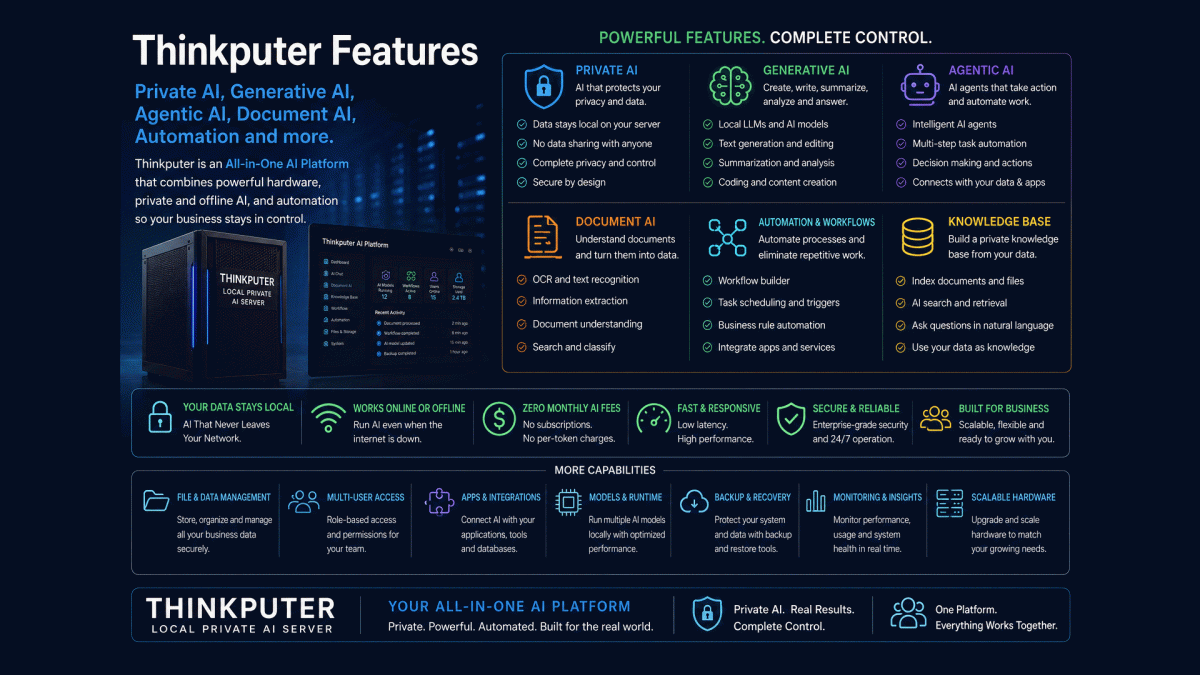
Thinkputer is designed to bring several important AI capabilities together inside one Local Private Server (LPS). Instead of depending on one cloud AI tool, businesses can combine AI models, documents, databases, files and automation within an environment they control.
Thinkputer supports Private AI, Generative AI, Agentic AI and Document AI. These capabilities can work separately or together depending on the task, users and business workflow.
The platform also supports AI Workflow Automation, allowing AI to do more than answer questions. It can become part of a real process involving documents, databases, files, APIs, email, search and other supported applications.
Thinkputer Feature Overview
| Feature | What It Does |
|---|---|
| Private AI | Runs supported AI workloads closer to your own data and network. |
| Generative AI | Supports writing, summarizing, knowledge assistance, analysis and other content-based tasks. |
| Agentic AI | Coordinates multi-step tasks and can work with tools, data and applications. |
| Document AI | Processes PDFs, scans and documents using OCR, extraction, classification and search. |
| AI Workflow Automation | Connects AI with business processes so repetitive steps can be handled automatically. |
| Local Databases | Stores structured information for applications, AI workflows and business processes. |
| File Management | Provides local storage and controlled access to business files and documents. |
| Knowledge Search | Helps supported AI applications retrieve relevant information from internal business knowledge. |
| Multi-AI | Allows different supported AI models to be used for different jobs instead of relying on one model. |
| Offline AI | Allows supported local AI services to operate without requiring internet access for every request. |
| Multi-User Access | Makes supported AI and business services available to authorized users across the network. |
| Monitoring | Helps administrators monitor server resources, applications and service availability. |
Private AI: Keep More AI Processing Under Your Control
Private AI allows supported AI workloads to operate within your own environment instead of automatically sending every task to an outside provider. This can be especially useful when working with internal documents, business information or sensitive data.
Local processing also gives businesses more control over when and how AI is used. The organization can decide which workloads stay local and which use external services when cloud AI provides a better solution.
Generative AI: Knowledge, Content and Assistance
Generative AI can assist with writing, summarizing, explaining, organizing information and answering questions. Businesses can use supported local models for internal knowledge, document-based assistance and other everyday tasks without depending completely on one cloud AI provider.
Different models can also be selected for different workloads. A smaller model may be faster and more efficient for routine tasks, while a larger model may be used when more advanced reasoning or knowledge processing is required.
Agentic AI: AI That Can Take Multiple Steps
Agentic AI goes beyond generating a single response. It can participate in multi-step processes, use supported tools, retrieve information, make workflow decisions and pass information between applications according to the process designed for it.
For example, an AI agent could receive a document, identify its type, extract important information, check a database, organize the result and send the workflow to the next step. Human review can remain part of the process wherever approval, judgment or verification is required.
Document AI: Turn Documents Into Useful Data
Document AI can help businesses work with PDFs, scanned documents, invoices, receipts, statements, forms and other supported files. It can combine OCR, extraction, classification, search and AI analysis to make information easier to capture and use.
Instead of manually reading and retyping every document, AI Document Processing can convert suitable information into structured data that can be stored, searched or passed into another business workflow.
AI Workflow Automation: Connect AI With Real Work
AI becomes more valuable when it connects to everyday business processes. AI Workflow Automation can connect supported documents, databases, files, APIs, email and applications so repetitive steps can happen automatically.
A workflow can receive information, process it with AI, store the result, notify a user and trigger another action. This allows businesses to use AI as part of an operating process rather than requiring employees to manually copy information between separate systems.
Multi-AI: Use the Right Model for the Right Job
Thinkputer does not require every workload to use one AI model. Supported language, vision, OCR and specialized models can work on the same platform. This Multi-AI approach allows each workflow to use the model that provides the best combination of accuracy, speed and resource requirements.
Businesses can also continue using external AI services where appropriate. A Self-Hosted AI platform provides more choices rather than forcing every workload to remain local or every workload to move to the cloud.
Offline AI: Less Dependence on Internet and Cloud Availability
Supported Offline AI workloads can continue operating on the local network without sending every request across the internet. This can reduce dependence on remote service availability and make frequently used local AI services more predictable.
External websites, APIs, email delivery and cloud services still require internet connectivity when used. Thinkputer simply gives businesses the option to keep suitable AI services available locally rather than making internet access mandatory for every AI task.
AI, Data, Files and Knowledge Together
Thinkputer can combine AI with structured databases, file storage and knowledge retrieval. Instead of keeping AI separate from the information employees actually need, supported workflows can retrieve relevant data, process documents and store results within the same Business AI Server environment.
This can support internal search, document knowledge bases, structured business data and automated information processing. The result is a platform designed around business information rather than a standalone chatbot with no connection to the organization's workflows.
Multi-User AI for Your Network
Thinkputer is designed as a network server rather than only a personal AI computer. Authorized employees can access supported AI applications and services through the organization's network, allowing one server to provide AI resources to multiple users.
The suitable number of users depends on the Thinkputer model, AI models and simultaneous workloads. The Thinkputer AI Server range provides increasing computing capacity for small offices, businesses, corporate environments and larger organizations.
Choose the Thinkputer That Fits Your Workload
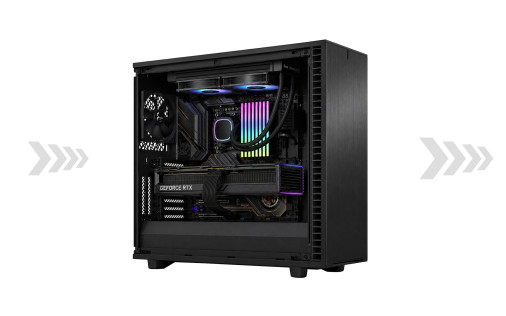
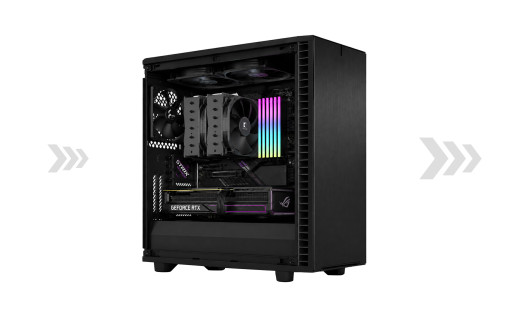
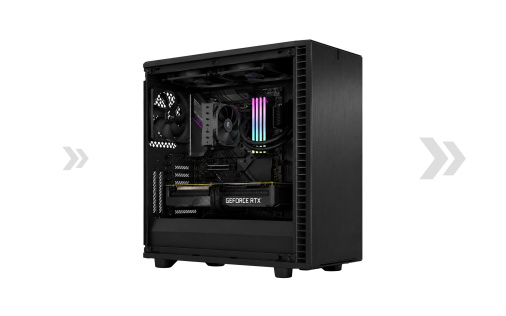
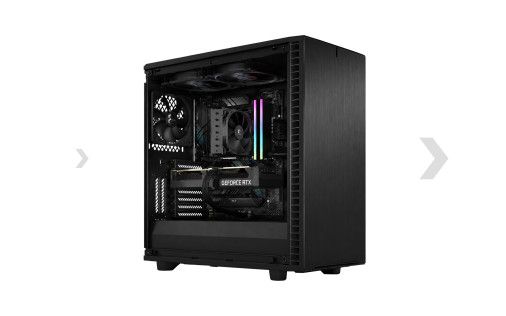
The Thinkputer AI Server range includes the Thinkputer 10 Creator, 20 Pro, 30 Expert and 40 Ultra. Each provides a different level of AI computing power, memory, storage and workload capacity.
Thinkputer Features Frequently Asked Questions
No. Thinkputer can support multiple AI models and tools according to the selected hardware and software. Different models can be used for language, vision, OCR, document processing and other workloads. This allows the system to use the most suitable AI for each task rather than relying on one model for everything.
Yes. That is one of the main advantages of the platform. AI Workflow Automation can connect AI models, documents, databases, files and supported applications so information can move through multiple steps with less manual work.
Choose the Features Your Business Actually Needs
Tell us about your users, documents, software, data and repetitive processes. We can help determine which Thinkputer features, AI models and automation tools are most useful for your organization instead of adding technology simply because it is available.