Conversational AI: Private AI Assistants That Understand Your Business
Conversational AI | Private Business AI Assistants with Thinkputer

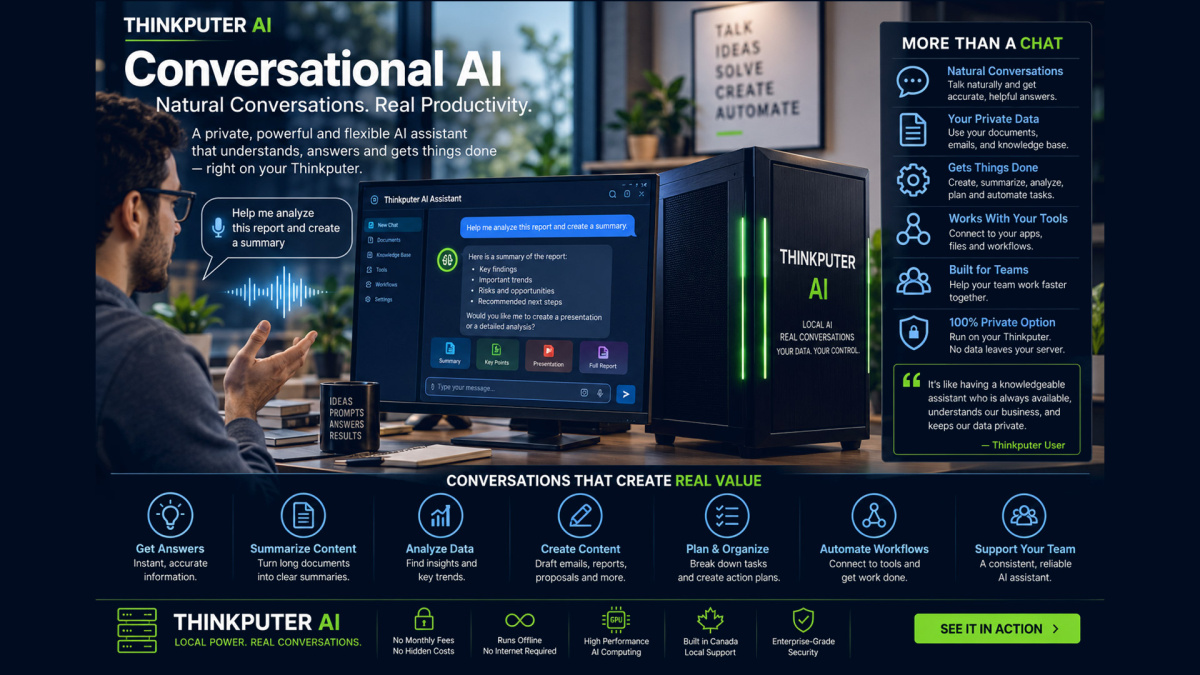
Conversational AI lets people communicate with AI through natural language instead of learning complex software, commands or database structures. Ask questions, discuss documents, search business knowledge, analyze information and interact with supported AI models through a familiar conversational interface.

Thinkputer brings conversational AI into your own Local Private Server (LPS), allowing supported AI assistants, models, business knowledge and conversations to operate locally instead of depending entirely on outside cloud AI services.

A Thinkputer conversational assistant can be much more than a general chatbot. It can work with your documents, knowledge, files, databases, AI models and AI Workflow Automation to become a practical interface between people and business information.

What Is Conversational AI?

Traditional software usually requires users to navigate menus, forms, reports and search tools. Conversational AI provides another way to interact with information: simply ask for what you need in everyday language.

For example, instead of manually searching through hundreds of documents, a user could ask:

  • “What does our employee handbook say about vacation carry-over?”
  • “Summarize the three contracts uploaded this week.”
  • “Compare these two product specifications.”
  • “Find the invoices related to this customer.”
  • “Explain this technical document in simple language.”
  • “Create a response based on our company policies.”

The AI interprets the request, uses the available model and permitted information sources, and returns the result through a conversational interface.

What Can a Conversational AI Assistant Do?

Capability What It Can Do
Ask & Answer Ask questions using natural language and receive responses from supported AI models.
Business Knowledge Search and discuss permitted company documents, files and knowledge through compatible RAG applications.
Document Conversations Ask questions about PDFs, reports, manuals, policies, contracts and other supported documents.
Analysis Summarize, compare, organize and explain information using supported AI models.
Writing Assistance Draft, rewrite, translate, summarize and organize supported text and business information.
Vision AI Use compatible multimodal models to discuss supported images and visual information.
Multiple AI Models Select different compatible AI models according to the task, speed and available hardware resources.
Workflow Interaction Connect conversational AI to supported automation so a conversation can become part of a business process.

Talk to Your Business Knowledge

A general-purpose AI model knows what it learned during its original training, but it does not automatically know your company's internal documents, procedures, product information or business records.

Thinkputer can combine conversational AI with supported Retrieval-Augmented Generation (RAG), vector search and document processing so compatible AI applications can retrieve relevant information from your own knowledge sources.

This can allow authorized users to ask questions across information such as:

  • Policies and procedures
  • Product manuals and specifications
  • Internal documentation
  • Reports and research
  • Contracts and business documents
  • Training materials
  • Customer or project information where appropriately connected
  • Scanned documents processed through supported OCR tools

Instead of remembering where information is stored, users can increasingly interact with permitted business knowledge through conversation.

Have a Conversation With Your Documents

Conversational AI becomes especially useful when combined with Document AI.

Supported documents can be extracted, indexed, searched and made available to compatible AI applications so users can ask questions about the information they contain instead of reading every page manually.

For example, a business could upload manuals, policies or reports and ask:

  • “Summarize the important points in this document.”
  • “Where does it discuss warranty coverage?”
  • “Compare these two documents.”
  • “What changed between these versions?”
  • “Find information related to this subject across our files.”

This can reduce the time required to locate and understand information across large document collections.

One Conversation Interface, Different AI Models

Different AI models have different strengths. One may be better for general conversation, another for reasoning, another for working with images, and another may be smaller and faster for everyday requests.

Thinkputer's All-in-One AI Platform can support multiple compatible local AI models so users are not necessarily limited to one model for every task.

This means a business can select the model that best balances capability, speed, memory requirements and purpose.

Use AI Through a Familiar Chat Interface

People should not need to become AI engineers simply to use AI.

Thinkputer includes supported browser-based AI interfaces such as Open WebUI and AnythingLLM, providing familiar conversational access to compatible local AI models and knowledge systems.

Users can access supported conversational AI from computers on the authorized network through a web browser, without having to interact directly with model servers, command-line tools or development environments.

Developers and advanced users can still access deeper tools when required, while everyday users can work through the conversational interface.

From Conversation to Action

Conversational AI becomes more powerful when it can participate in business workflows instead of only answering questions.

Through supported AI Workflow Automation, a conversational request can potentially become the beginning of a larger process.

For example:

User Request → AI Understanding → Business Data → Workflow → Review → Result

A user may ask AI to analyze a document, organize extracted information, prepare structured data or pass approved information into another supported system.

Human review and authorization can remain part of the workflow where appropriate.

Private Conversational AI on Your Own Server

Many conversational AI services send prompts, documents and conversation data to external cloud infrastructure.

With Thinkputer, supported AI models and applications can operate locally on your own Business AI Server, helping organizations keep more AI processing close to their own users, files and databases.

This can provide greater control over where supported information is processed and stored while reducing unnecessary dependence on third-party AI services.

Local does not mean isolated. Thinkputer can still connect to external APIs, cloud AI services and websites when the organization intentionally chooses to use them.

Keep Supported AI Conversations Working Locally

Supported local AI models and conversational applications can continue operating across the local network without requiring an internet connection for every prompt.

This can be useful where internet connectivity is unavailable, unreliable or where an organization simply prefers local processing for particular workloads.

Functions that depend on external websites, APIs, cloud services or online model repositories still require internet access when used.

Learn more about Online vs. Offline AI with Thinkputer.

Build a Conversational AI Around Your Business

A conversational assistant does not have to remain generic.

Thinkputer provides an environment where compatible AI applications can be customized with your own:

  • Business knowledge
  • System instructions
  • Prompts
  • AI models
  • Vector databases
  • Documents
  • Workflows
  • APIs
  • Application logic

Developers can go further by using Thinkputer to build, train, fine-tune and customize supported AI solutions.

This allows conversational AI to evolve from a general assistant into a system designed around the organization's actual information and processes.

Conversational AI for Everyday Business

Use Example
Internal Knowledge Assistant Employees ask questions about approved company policies, procedures, manuals and internal documents.
Document Assistant Users summarize, compare and ask questions about supported documents.
Research Assistant Organize, summarize and discuss permitted research material and locally stored information.
Writing Assistant Draft, rewrite, translate and summarize business content.
Technical Assistant Search manuals, documentation and technical knowledge using natural-language questions.
Data Assistant Use compatible applications and workflows to help users understand permitted structured business information.
AI Workflow Assistant Combine natural-language interaction with supported automated processes and human review.

More Than a Chatbot

A standalone chatbot is only one application. Thinkputer surrounds conversational AI with the infrastructure that businesses may need behind it.

Thinkputer Capability How It Supports Conversational AI
Local AI Models Provide compatible language, reasoning, vision and embedding capabilities.
Open WebUI & AnythingLLM Provide supported conversational interfaces for users.
PostgreSQL & pgvector Support structured data and vector-based knowledge retrieval.
Document AI Extracts and prepares information from supported documents for downstream AI use.
File Services Provide controlled local storage for supported business documents and information.
Automation Allows conversational AI to become part of supported multi-step workflows.
Networking & Security Help control how authorized users access locally hosted AI services.
Backup & Monitoring Support the operation and maintenance of the wider AI platform.

This is why Thinkputer's conversational AI is part of an All-in-One AI Platform rather than just another chatbot application.

Choose the Conversational AI Power You Need

Conversational AI performance depends heavily on the AI model and the hardware available to run it. Larger models generally require more GPU memory and system resources, while smaller models may respond faster and consume fewer resources.

The Thinkputer AI Server range provides different levels of CPU, GPU, memory and storage for different users and workloads.

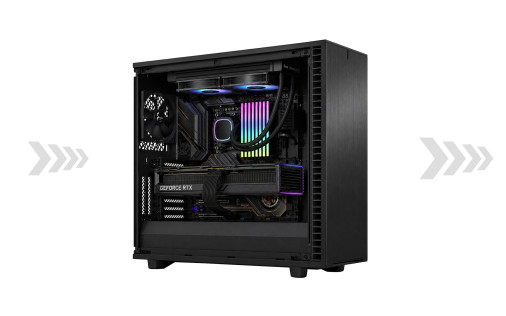
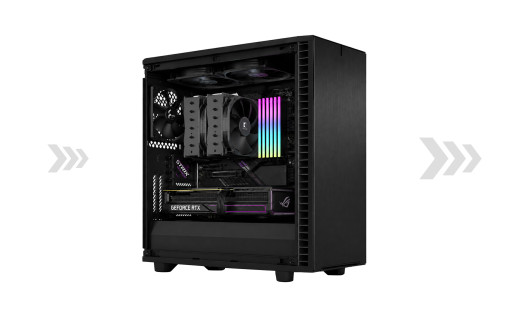
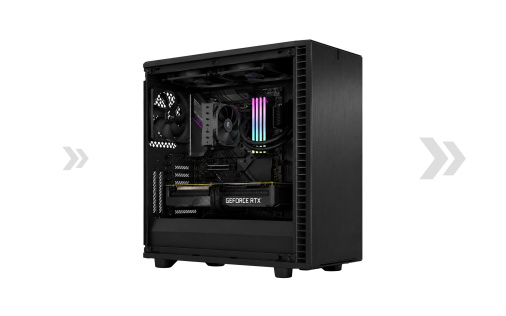
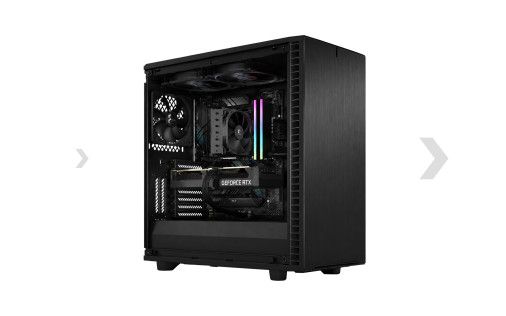
Choose from the Thinkputer 10 Creator, 20 Pro, 30 Expert and 40 Ultra according to model size, users and workload.

View Thinkputer Products

Conversational AI Frequently Asked Questions

Conversational AI allows people to communicate with AI using natural language. Users can ask questions, discuss information, summarize content and interact with supported AI models through a conversational interface rather than traditional software menus or commands.

A chatbot can be a form of conversational AI, but conversational AI can go much further. It can use compatible AI models, business knowledge, documents, vector search, vision capabilities and workflow automation to support more advanced interactions.

Yes. Supported applications can use RAG, embeddings, vector search and document-processing technologies to retrieve relevant information from permitted documents and knowledge sources.

Yes. Supported local AI models and conversational applications can operate on Thinkputer without sending every request to an outside AI provider. External APIs and cloud services still require internet access when intentionally used.

Supported Thinkputer applications can provide browser-based access for multiple authorized users. User management and capabilities depend on the specific application being used and its configuration.

Yes. Thinkputer can support multiple compatible AI models. Different models can be selected according to capability, speed, GPU memory requirements and the task being performed.

Supported conversational AI applications can be connected to automation and other systems so AI can participate in multi-step business processes. Human authorization or review can remain part of the process where appropriate.

Yes. Compatible AI solutions can be customized with business knowledge, prompts, instructions, models, tools, workflows and application logic. Advanced users can also use Thinkputer's development environment to build and fine-tune supported AI solutions.

View All Thinkputer FAQs

Turn Business Knowledge Into a Conversation

Thinkputer brings AI models, business knowledge, documents, databases and automation together so people can interact with more of their information through natural conversation.

Whether you need a private business assistant, document assistant, internal knowledge system, technical assistant or a customized conversational AI solution, Thinkputer provides the hardware and integrated AI platform needed to run supported conversational AI locally.

thinkputer 10 creator small office ai

See the Difference
Local AI Can Make

Complete Invoice AI Processing*

Measured on our invoice extraction and formatting workflow. Performance varies by model, workload, configuration, authentication, internet service, device and service conditions.

Thinkputer 10 9 seconds
DeepSeek Cloud 73 seconds
ChatGPT Cloud 84 seconds