
Automation Workflow AI | Thinkputer Automation AI
Submitted by on Tue, 09/01/2026 - 09:28AI Workflow Automation | Thinkputer Business Automation
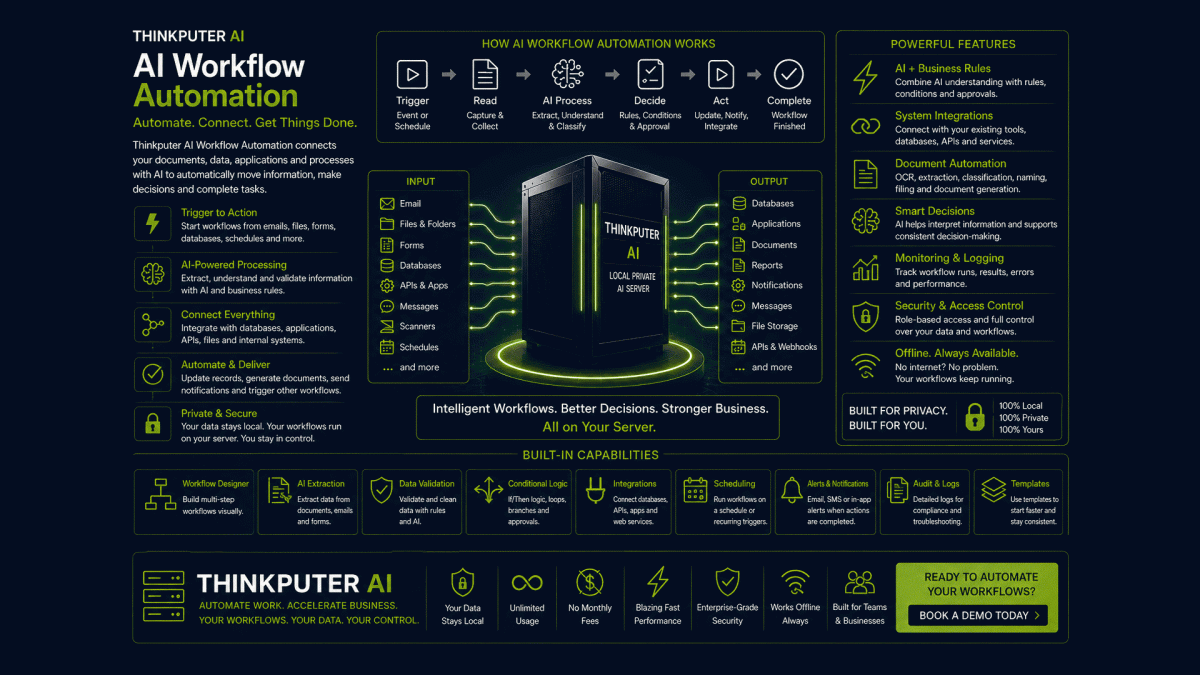
AI Workflow Automation combines AI with applications, databases, documents, rules and business processes to automatically move information, make decisions and perform repetitive tasks.
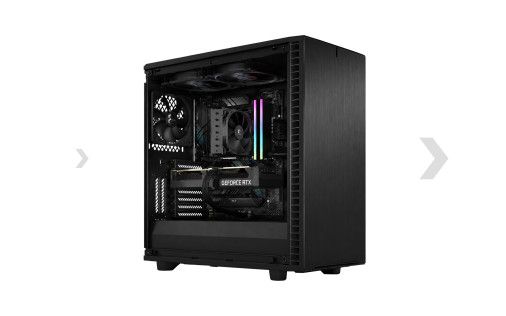
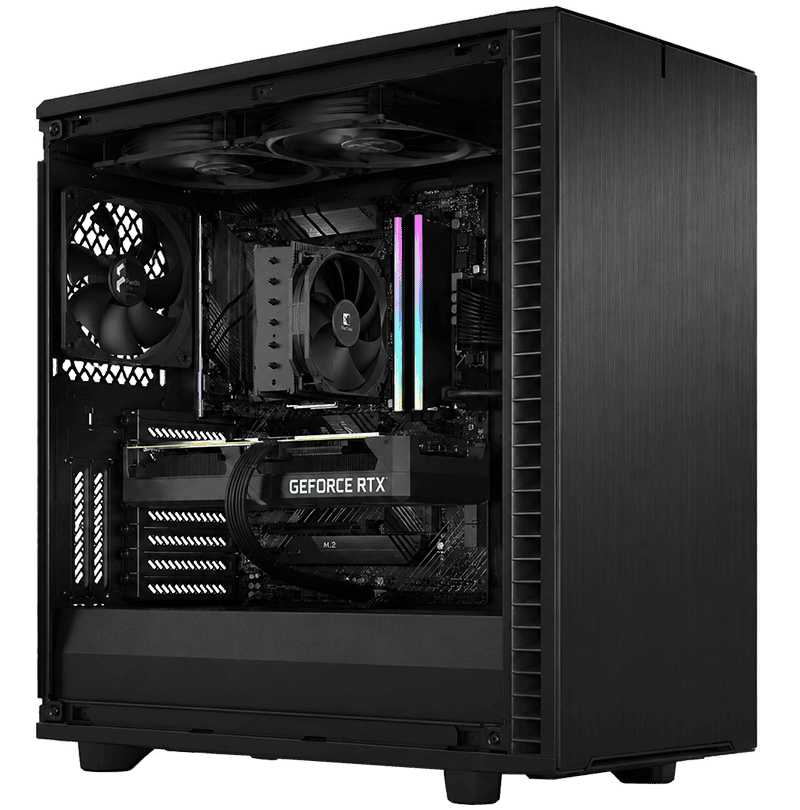
Thinkputer AI Automation runs supported workflows on your own Local Private Server (LPS), connecting AI directly with your business data, applications and processes.
What Can AI Workflow Automation Do?
| AI Automation | Business Uses |
|---|---|
| Receive | Monitor forms, emails, files, databases and other incoming information |
| Extract | Read documents, invoices, messages and structured or unstructured data |
| Understand | Use AI to classify, summarize, interpret and organize information |
| Decide | Apply business rules, conditions and AI-assisted decisions |
| Act | Update databases, create records, generate documents, send notifications and trigger other processes |
| Connect | Move information between supported applications, databases, APIs and internal services |
AI Automation on Your Own Server
Thinkputer combines Private AI with workflow automation, allowing supported business processes to run directly within your own environment instead of sending every task and document through external cloud automation services.
Local automation can provide faster access to local data, greater privacy and control, no Thinkputer per-workflow or per-execution usage charge, and less dependency on internet connectivity and external providers.
From Trigger to Completed Task
A workflow can begin automatically when something happens, process the information with AI and business rules, and then perform the required actions without repeating the entire process manually.
| Step | Example |
|---|---|
| 1. Trigger | A new invoice arrives by email or is uploaded |
| 2. Read | Document AI and OCR extract the invoice information |
| 3. Process | AI identifies the vendor, amounts, taxes, dates and categories |
| 4. Validate | Business rules check the extracted information |
| 5. Store | Structured information is saved to the appropriate database |
| 6. Act | The workflow can file the document, update records and notify the appropriate person |
Automate Everyday Business Work
| Area | Automation Examples |
|---|---|
| Accounting | Invoices, receipts, transaction processing, data entry and document organization |
| Sales | Lead processing, customer records, follow-ups and notifications |
| Administration | Forms, approvals, reports, reminders and repetitive office processes |
| Documents | OCR, extraction, classification, naming, filing, summarization and search |
| Customer Service | Request classification, response preparation, routing and information retrieval |
| Operations | Monitoring, scheduled processes, data synchronization, alerts and reporting |
Automation Becomes More Powerful With AI
Traditional automation is excellent for predictable rules. AI adds the ability to work with less structured information such as emails, documents, natural-language instructions and business content.
Thinkputer workflows can combine Generative AI, Document AI and Agentic AI with databases, files, applications and business rules to build complete automated processes.
Why Automate With Thinkputer?
| Benefit | Thinkputer AI Workflow Automation |
|---|---|
| Save Time | Reduce repetitive manual work and unnecessary data entry |
| Reduce Errors | Use consistent workflows and business rules for repeatable processes |
| Keep Data Local | Supported workflows and AI processing can remain within your business network |
| Connect Your Systems | Integrate supported databases, files, APIs and applications into one workflow |
| Run Continuously | Automated workflows can process tasks when triggered or on a schedule |
| Control Your Automation | Your organization controls the server, workflows, data and supported AI models |
Frequently Asked Questions
AI Workflow Automation combines automated processes with AI. A workflow can receive information, process it with AI and business rules, interact with supported systems and perform predefined actions automatically.
AI Workflow Automation normally follows designed processes, triggers, conditions and actions. Agentic AI can add more autonomous reasoning, planning and decision-making when a task cannot be handled entirely by predetermined workflow steps.
Many processes can be automated when the required applications, data sources and actions can be connected. The workflow should first be reviewed to determine which steps can be automated and where human approval should remain.
Supported AI models, databases, files and automation services can operate locally on Thinkputer. Workflows that connect to external websites, cloud APIs, email providers or other internet services still require those external connections.
Turn Repetitive Work Into Automated Workflows
Tell us what your team repeatedly receives, reads, enters, checks, moves or reports. Thinkputer can help determine how AI Workflow Automation can connect those steps into a faster, more intelligent business process.
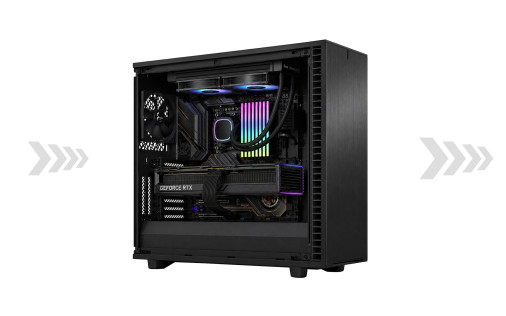
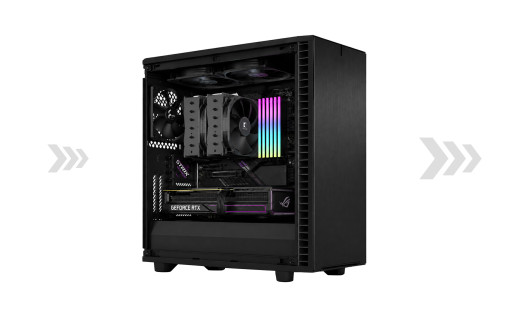
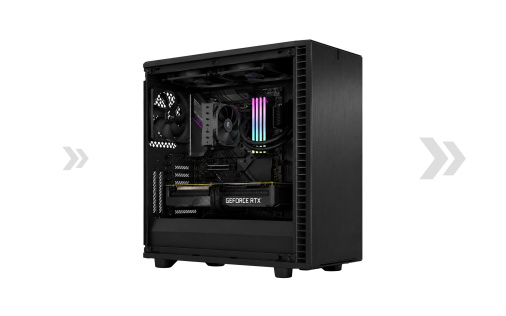
See the Difference
Local AI Can Make
Complete Invoice AI Processing*
Measured on our invoice extraction and formatting workflow. Performance varies by model, workload, configuration, authentication, internet service, device and service conditions.
| Thinkputer 10 | 9 seconds |
| DeepSeek Cloud | 73 seconds |
| ChatGPT Cloud | 84 seconds |